AutoCAD Shortcut Keys and Commands List (Free PDF)
Typing a two-letter alias is far faster than hunting for a ribbon button. This list covers the AutoCAD shortcut keys and command aliases drafters use every day, the function keys, the Ctrl shortcuts, and how to create your own, with a free printable AutoCAD shortcut keys PDF.
Quick answer
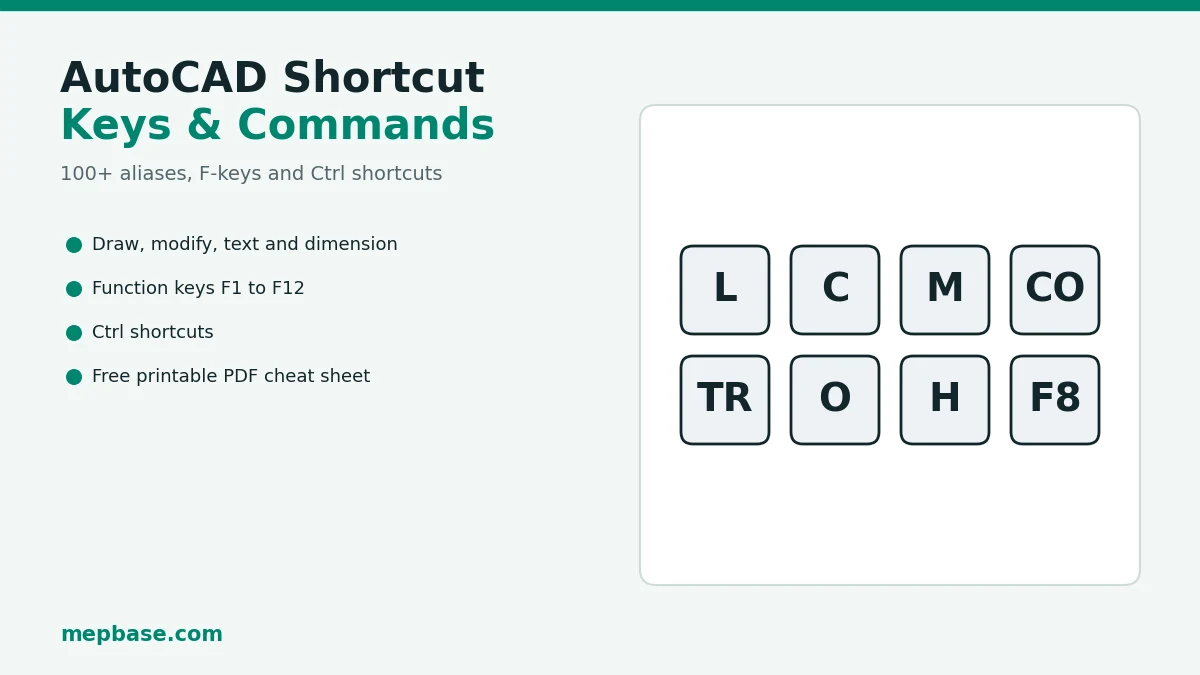
Type the alias and press Enter or Space: L for LINE, C for CIRCLE, M for MOVE, CO for COPY, TR for TRIM, O for OFFSET, H for HATCH. Press Space or Enter on an empty command line to repeat the last command.
In this guide
Draw Shortcuts
| Alias | Command | What it does |
|---|---|---|
| L | LINE | Draw lines |
| PL | PLINE | Polyline |
| C | CIRCLE | Circle |
| A | ARC | Arc |
| REC | RECTANG | Rectangle |
| POL | POLYGON | Polygon |
| EL | ELLIPSE | Ellipse |
| SPL | SPLINE | Spline |
| XL | XLINE | Construction line |
| PO | POINT | Point |
| DO | DONUT | Donut |
| REG | REGION | Region |
| BO | BOUNDARY | Boundary from closed area |
| H | HATCH | Hatch |
Modify Shortcuts
| Alias | Command | What it does |
|---|---|---|
| M | MOVE | Move |
| CO / CP | COPY | Copy |
| RO | ROTATE | Rotate |
| SC | SCALE | Scale |
| MI | MIRROR | Mirror |
| O | OFFSET | Offset |
| TR | TRIM | Trim |
| EX | EXTEND | Extend |
| F | FILLET | Fillet |
| CHA | CHAMFER | Chamfer |
| AR | ARRAY | Array |
| S | STRETCH | Stretch |
| E | ERASE | Erase |
| X | EXPLODE | Explode |
| J | JOIN | Join |
| BR | BREAK | Break |
| LEN | LENGTHEN | Lengthen |
| AL | ALIGN | Align |
| DIV | DIVIDE | Divide |
| ME | MEASURE | Measure |
| PE | PEDIT | Edit polyline |
| MA | MATCHPROP | Match properties |
Text & annotation Shortcuts
| Alias | Command | What it does |
|---|---|---|
| T / MT | MTEXT | Multiline text |
| DT | TEXT | Single-line text |
| ED | TEXTEDIT | Edit text |
| ST | STYLE | Text style |
| MLD | MLEADER | Multileader |
| LE | QLEADER | Quick leader |
| TB | TABLE | Table |
Dimensions Shortcuts
| Alias | Command | What it does |
|---|---|---|
| D | DIMSTYLE | Dimension style |
| DLI | DIMLINEAR | Linear dimension |
| DAL | DIMALIGNED | Aligned dimension |
| DAN | DIMANGULAR | Angular dimension |
| DRA | DIMRADIUS | Radius dimension |
| DDI | DIMDIAMETER | Diameter dimension |
| DCO | DIMCONTINUE | Continue dimension |
| DBA | DIMBASELINE | Baseline dimension |
| QDIM | QDIM | Quick dimension |
Blocks & references Shortcuts
| Alias | Command | What it does |
|---|---|---|
| B | BLOCK | Create block |
| I | INSERT | Insert block |
| W | WBLOCK | Write block to file |
| BE | BEDIT | Block editor |
| ATT | ATTDEF | Attribute definition |
| XR | EXTERNALREFERENCES | External references palette |
| XA | XATTACH | Attach Xref |
| IM | IMAGE | Images palette |
Layers & properties Shortcuts
| Alias | Command | What it does |
|---|---|---|
| LA | LAYER | Layer manager |
| LT | LINETYPE | Linetype manager |
| LTS | LTSCALE | Linetype scale |
| PR | PROPERTIES | Properties palette |
| ADC | ADCENTER | DesignCenter |
Inquiry & view Shortcuts
| Alias | Command | What it does |
|---|---|---|
| DI | DIST | Distance |
| AA | AREA | Area |
| LI | LIST | List object data |
| ID | ID | Point coordinates |
| Z | ZOOM | Zoom |
| P | PAN | Pan |
| RE | REGEN | Regenerate |
| UN | UNITS | Drawing units |
Settings & cleanup Shortcuts
| Alias | Command | What it does |
|---|---|---|
| OS | OSNAP | Object snap settings |
| DS | DSETTINGS | Drafting settings |
| OP | OPTIONS | Options |
| PU | PURGE | Purge unused items |
| G | GROUP | Group |
| LAS | LAYERSTATE | Layer states |
AutoCAD Function Keys
| Key | Action |
|---|---|
| F1 | Help |
| F2 | Expanded command history |
| F3 | Object snap on/off |
| F4 | 3D object snap on/off |
| F5 | Isoplane cycle |
| F6 | Dynamic UCS on/off |
| F7 | Grid on/off |
| F8 | Ortho on/off |
| F9 | Snap on/off |
| F10 | Polar tracking on/off |
| F11 | Object snap tracking on/off |
| F12 | Dynamic input on/off |
AutoCAD Ctrl Shortcuts
| Keys | Action |
|---|---|
| Ctrl + N | New drawing |
| Ctrl + O | Open drawing |
| Ctrl + S | Save |
| Ctrl + Shift + S | Save as |
| Ctrl + P | Plot / print |
| Ctrl + Z | Undo |
| Ctrl + Y | Redo |
| Ctrl + C | Copy to clipboard |
| Ctrl + Shift + C | Copy with base point |
| Ctrl + V | Paste |
| Ctrl + Shift + V | Paste as block |
| Ctrl + A | Select all |
| Ctrl + 1 | Properties palette |
| Ctrl + 2 | DesignCenter |
| Ctrl + 3 | Tool palettes |
| Ctrl + 8 | QuickCalc |
| Ctrl + 9 | Command line on/off |
| Ctrl + 0 | Clean screen |
| Ctrl + Tab | Switch between drawings |
| Ctrl + Shift + P | Quick properties on/off |
| Esc | Cancel command |
| Enter / Space | Repeat last command |
How to Change or Add a Shortcut
Go to the Manage tab → Customization → Edit Aliases. This opens acad.pgp in Notepad.
At the end of the file add a line such as
CC, *COPYCLIP: the alias, a comma, an asterisk and the command name.Save the file, type REINIT, tick PGP file and click OK. The new alias works straight away.
Speed tips
Download the AutoCAD Shortcut Keys PDF
All of the shortcuts above on a two-page A4 cheat sheet you can print and keep next to your keyboard.
Checking…
Frequently Asked Questions
What are the most used AutoCAD shortcut keys?
L (LINE), PL (PLINE), C (CIRCLE), M (MOVE), CO (COPY), RO (ROTATE), TR (TRIM), EX (EXTEND), O (OFFSET), F (FILLET), H (HATCH), MA (MATCHPROP) and LA (LAYER).
How do I change shortcut keys in AutoCAD?
Open Manage → Customization → Edit Aliases, add or change a line in acad.pgp, save it, then type REINIT and reload the PGP file.
What does F8 do in AutoCAD?
F8 turns Ortho mode on and off, which restricts the cursor to horizontal and vertical movement.
Do these shortcuts work in AutoCAD LT?
Yes. The command aliases, function keys and Ctrl shortcuts in this list work in AutoCAD LT as well as full AutoCAD.
Related Downloads and Tools
- AutoCAD advanced commands and tips for MEP
- AutoCAD hatch patterns free download
- AutoCAD SHX fonts
- AutoCAD blocks library for MEP
- DWG file viewer