
AutoCAD Hatch Patterns Free Download (.PAT)
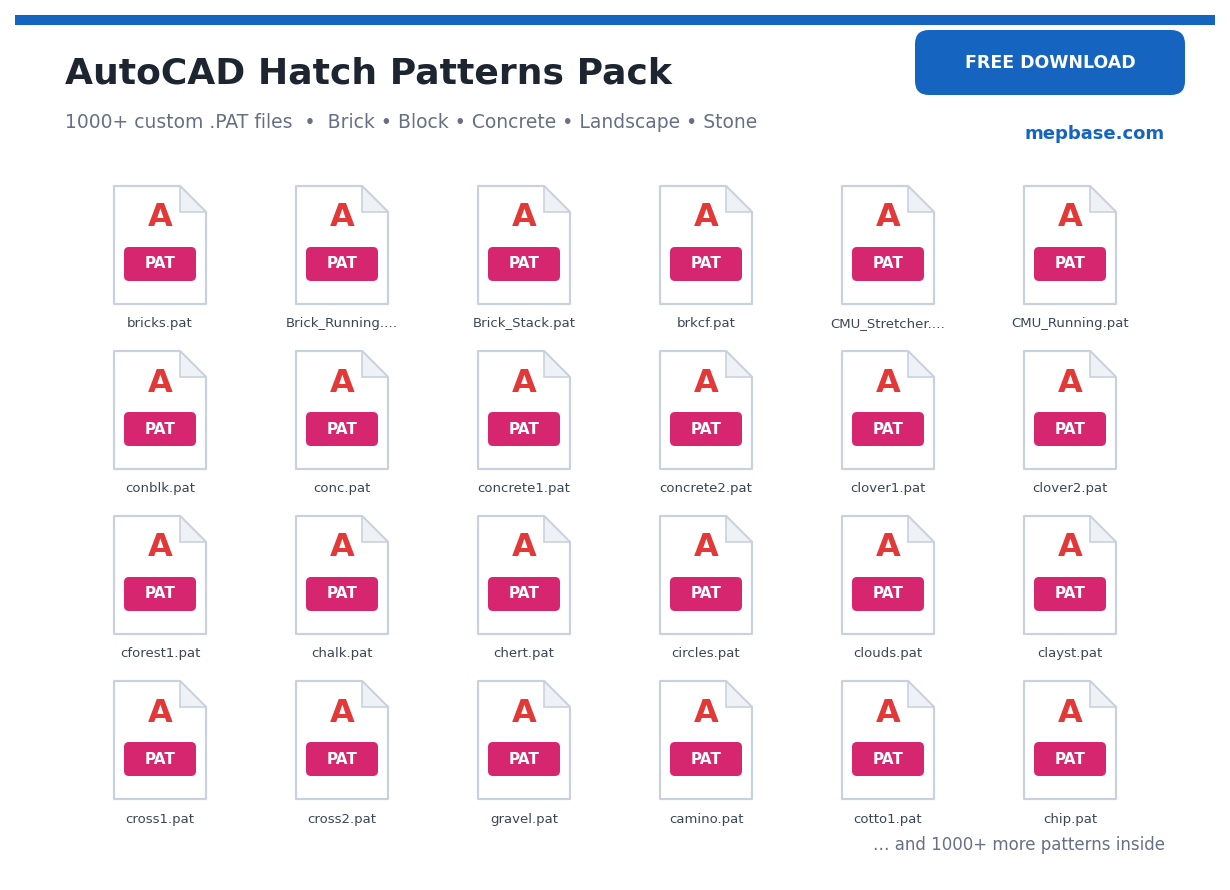
Looking to add more textures to your drawings? This AutoCAD hatch patterns free download gives you a ready-to-use collection of custom .PAT files — brick, concrete, grass, gravel, timber, tiles, stone and many more. Just load them into AutoCAD and apply them to your sections, plans and details in seconds. Read the quick guide below, then grab the free download link at the end of the page.
What are AutoCAD hatch patterns (.PAT)?
A hatch pattern is the texture or fill AutoCAD draws inside a closed area — like the diagonal lines for steel, the dotted fill for concrete, or the brick texture for masonry. AutoCAD stores these patterns in .PAT files. The program already ships with standard patterns (ANSI, ISO, AR-* architectural patterns), but custom .PAT files give you many more textures for architectural, structural, landscape and MEP drawings. This free download adds those extra patterns to your library.
Patterns included in this free download
This free download includes a wide set of custom hatch patterns, grouped by use:
| Category | Patterns |
|---|---|
| Construction | Brick, blockwork, concrete, reinforced concrete, plaster, screed, insulation, damp-proofing |
| Materials | Steel / section, aluminium, glass, timber, plywood, rubber, gravel, sand, earth |
| Finishes | Floor tiles, ceramic, marble, granite, paving, cobblestone, herringbone |
| Landscape | Grass, lawn, trees, shrubs, pebbles, mulch, water |
| Masonry & stone | Stone wall, rubble masonry, ashlar, random stone |
Open the downloaded folder to see the complete list of .PAT files included.
How to install hatch patterns in AutoCAD
- Download and unzip the .PAT files to a folder on your computer.
- In AutoCAD type OPTIONS (or OP) and press Enter → go to the Files tab.
- Expand Support File Search Path → click Add → Browse to the folder where you saved the .PAT files → OK.
- Alternatively, copy the .PAT files directly into AutoCAD’s Support folder (e.g. …\AppData\Roaming\Autodesk\AutoCAD 20xx\R2x.x\enu\Support).
- Restart AutoCAD so it loads the new patterns.
How to use a custom hatch pattern
- Type HATCH (or H) and press Enter.
- In the Hatch Creation ribbon, open the Pattern panel and set the type to Custom (or pick the pattern from the list).
- Select your custom .PAT pattern, set the Scale and Angle, then click inside the closed area to apply it.
- If the hatch looks too dense or too sparse, just change the Scale value.
Who is this free download for?
Frequently Asked Questions
Are these AutoCAD hatch patterns really free to download?
Yes. This is a 100% free download — you can load and use the .PAT hatch patterns in your AutoCAD drawings at no cost.
Where do I put the .PAT files?
Add the folder to AutoCAD’s Support File Search Path (Options → Files), or copy the .PAT files into AutoCAD’s Support folder, then restart AutoCAD.
My custom hatch pattern is not showing — why?
Make sure the folder is in the Support File Search Path and that you restarted AutoCAD. For single-pattern files, the .PAT file name should match the pattern name inside it.
The hatch looks too dense or invisible. How do I fix it?
Change the Scale value in the Hatch ribbon. A larger scale spaces the pattern out; a smaller scale makes it denser.
Which AutoCAD version do these work in?
.PAT hatch patterns work in AutoCAD 2007 and all newer versions, and in most DWG-compatible CAD programs that support custom patterns.
Download AutoCAD hatch patterns (.PAT)
Everything is ready — click below to get the complete hatch patterns pack as a free download, then follow the install steps above to load it into AutoCAD.
Checking…
Related free downloads
Disclaimer: These hatch patterns are shared for reference and educational use. Always verify textures and material representations against your project standards and drawing conventions.