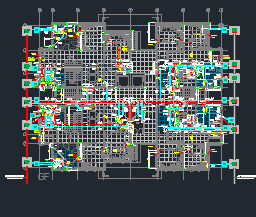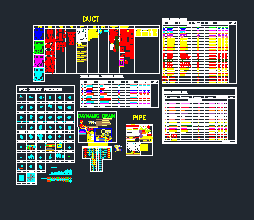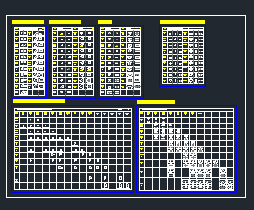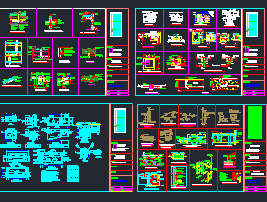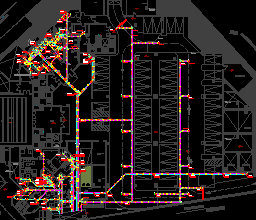
AutoCAD Dynamic Plumbing Blocks DWG Free Download
Looking for AutoCAD dynamic plumbing blocks? You’re in the right place. This free DWG offers a curated set of smart, editable dynamic blocks designed specifically for plumbing layouts in MEP projects.
These blocks save time, improve consistency and are ideal for draftsmen and MEP designers working in AutoCAD.
What Are Dynamic Blocks in AutoCAD?
Dynamic blocks are enhanced versions of regular blocks that let you change their shape, size and orientation without exploding or redrawing them.
For example, you can:
- Stretch a pipe to any length
- Flip a sink or rotate a fitting with a single grip
- Show multiple variations of the same symbol using one block
This means less clutter, fewer files and much faster drafting.
What’s Included in This Plumbing Block Library?
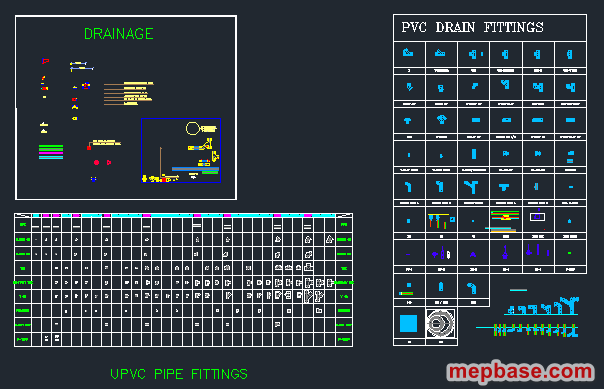
This CAD block file contains commonly used sanitary and plumbing components:
- Water closet (WC) blocks
- Washbasins and sinks
- Floor traps and cleanouts
- Pipe elbows and tees with stretch functionality
- Valves, taps and accessories
All blocks are placed on proper layers and scaled accurately. Each one uses AutoCAD’s dynamic parameters, so once you place a block you can adjust its length or direction without editing the block itself.
How These Blocks Save Time
If you prepare plumbing layouts under tight deadlines, these dynamic blocks are a huge time-saver. Instead of copying and scaling the same objects again and again, you insert one smart block and adjust it on the spot.
This improves your speed and keeps every drawing sheet consistent.
How to Use in AutoCAD
- Open the DWG file in AutoCAD 2018 or later.
- Use the INSERT command, or copy and paste the blocks into your drawing.
- Click a block and use its grips to stretch, flip or rotate it.
- Place the blocks in your plumbing floor plans or riser diagrams.
- For quicker access, drag the blocks into your Tool Palette.
Plumbing Drafting Tips
Keep these points in mind when you use the blocks on a real layout:
- Fixture drain sizes: a WC typically connects with a 100 mm soil pipe, a washbasin with a 32–40 mm waste pipe and a shower with a 50 mm waste pipe. Always confirm sizes against your local plumbing code.
- Two-pipe system: many Gulf projects keep soil (WC) and waste (basin, shower, sink) pipes separate, with waste water running to a floor trap before joining the drainage system.
- Cleanouts: show cleanouts at changes of direction, at the base of stacks and on long horizontal runs so every pipe can be rodded.
- Layers: keep soil, waste, vent and water supply on separate layers so each system can be coloured, frozen and plotted independently.
AutoCAD Dynamic Plumbing Blocks DWG Free Download
Click the button below to download the DWG file.
Checking…
Related Downloads
- MEP Fittings and Valves Dynamic Blocks DWG
- Chilled Water Piping Dynamic Blocks DWG
- HVAC Dynamic Blocks with Equipment Installation Details
- Fire Fighting Dynamic Blocks and Standard Details DWG
Final Note
This is not a random block pack. These blocks come from my own working library. If you’re a draftsman, a junior engineer or an AutoCAD learner, you’ll find this set extremely useful on real projects.
I’ll keep sharing more practical MEP tools and blocks here on MEPBase.com, including HVAC, fire fighting and electrical content.