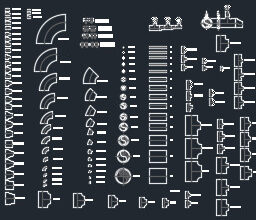
Pipe Fitting CAD Blocks Free Download (Valves & Gauges DWG)
If you draft MEP piping drawings, this Pipe Fitting CAD Blocks Free Download will save you hours of repetitive work. It is a ready-to-use AutoCAD DWG library of common valves, gauges, strainers and accessories used in chilled water, water supply, fire fighting and irrigation systems. Just insert the blocks you need and keep your drawings clean, accurate and standard — no need to redraw the same fitting again and again.
What Are These Pipe Fitting CAD Blocks?
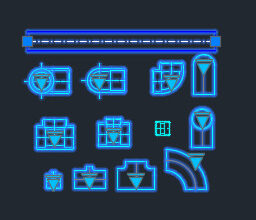
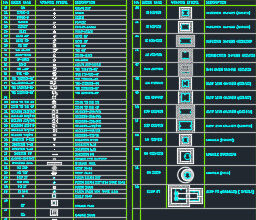
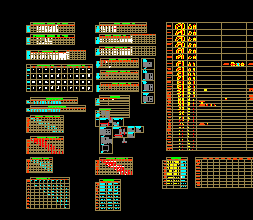
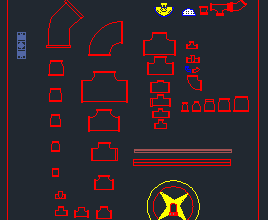
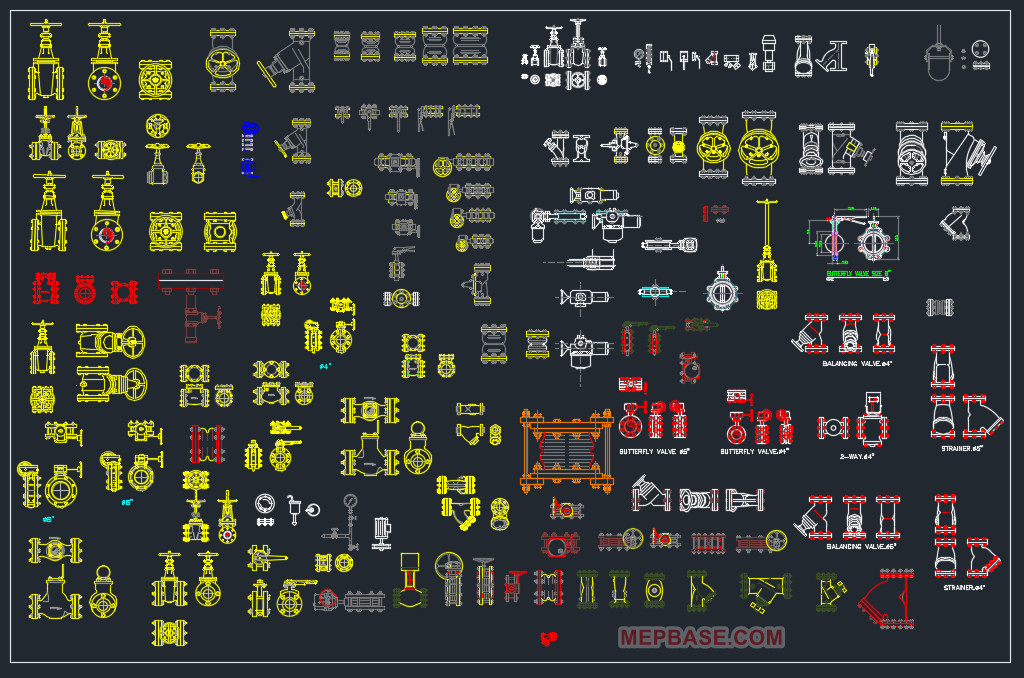
These are ready-made 2D AutoCAD blocks for piping valves and instruments — the exact symbols a draftsman needs for chilled water, water supply, fire fighting, irrigation, pump rooms and chiller plant rooms. The library includes front, top and side views of the main fittings, so you can place the correct symbol in plan, section or detail drawings without redrawing anything. This pipe fitting CAD blocks free download works as a complete day-to-day MEP drafting toolkit.
Valves Included in This DWG Block Library
- Gate Valve – on/off isolation for chilled water and water supply lines.
- Check Valve (Non-Return Valve / NRV) – prevents backflow, typically at pump discharge.
- Butterfly Valve – compact isolation valve for larger pipe sizes.
- Globe Valve – used for flow regulation and throttling.
- Ball Valve – quick quarter-turn shut-off.
- Balancing Valve – sets the correct flow rate in chilled water circuits.
- Pressure Reducing Valve (PRV) – controls downstream pressure in water supply and fire systems.
- Safety / Relief Valve – releases excess pressure to protect the system.
- Air Release Valve – removes trapped air at high points of the pipe network.
- Float Valve – automatic tank level control for water supply and irrigation.
- Solenoid Valve – electrically operated valve, common in irrigation zones.
Instruments & Accessories Blocks
- Pressure Gauge – monitors line pressure (front, top and side views).
- Temperature Gauge / Thermometer – reads fluid temperature.
- Y-Strainer – traps debris before pumps and control valves.
- Flexible Connector – absorbs vibration at pump and equipment connections.
- Expansion Joint – allows for thermal movement in long pipe runs.
- Drain / Test Point – used for draining and pressure testing.
- Gauge Cock – isolates the gauge for safe servicing.
- Flow Meter – measures the flow rate in the line.
MEP Systems You Can Use These Blocks In
- Chilled Water Piping
- Domestic Water Supply
- Fire Fighting Systems
- Irrigation Networks
- Pump Rooms
- Chiller Plant Rooms
Because the file includes front, top and side views, the same pipe fitting CAD blocks can be reused across plans, sections and equipment connection details.
Why Use Ready-Made CAD Blocks?
Using a standard block library keeps every valve and gauge symbol consistent across the whole project, speeds up shop drawing production, and reduces errors. Instead of drawing a gate valve or pressure gauge from scratch each time, you simply insert it. If you also want smart, click-to-resize fittings, check out our dynamic blocks for HVAC chilled water piping and drainage.
How to Use These Pipe Fitting Blocks in AutoCAD
-
- Download and unzip the DWG file.
- Open it directly, or copy the blocks into your project drawing.
- Use INSERT or simply copy-paste the valve or instrument you need.
- Pick the front, top or side view that matches your drawing.
- Place it on the correct layer and continue your piping run.
Compatible with AutoCAD 2007, 2008, 2009 and all newer versions.
Pipe Fitting CAD Blocks – Free Download
Get this complete Pipe Fitting CAD Blocks free download and add ready-made valves, gauges and accessories to your AutoCAD toolkit for faster, cleaner MEP drafting.
Download Pipe Fitting CAD Blocks DWG (Free)
Conclusion
This pipe fitting CAD blocks free download covers the everyday valves and instruments — from gate, check and butterfly valves to pressure gauges, strainers and flow meters — needed in chilled water, water supply, fire fighting and irrigation drawings. Download it free, keep it in your library, and speed up every MEP project you work on.